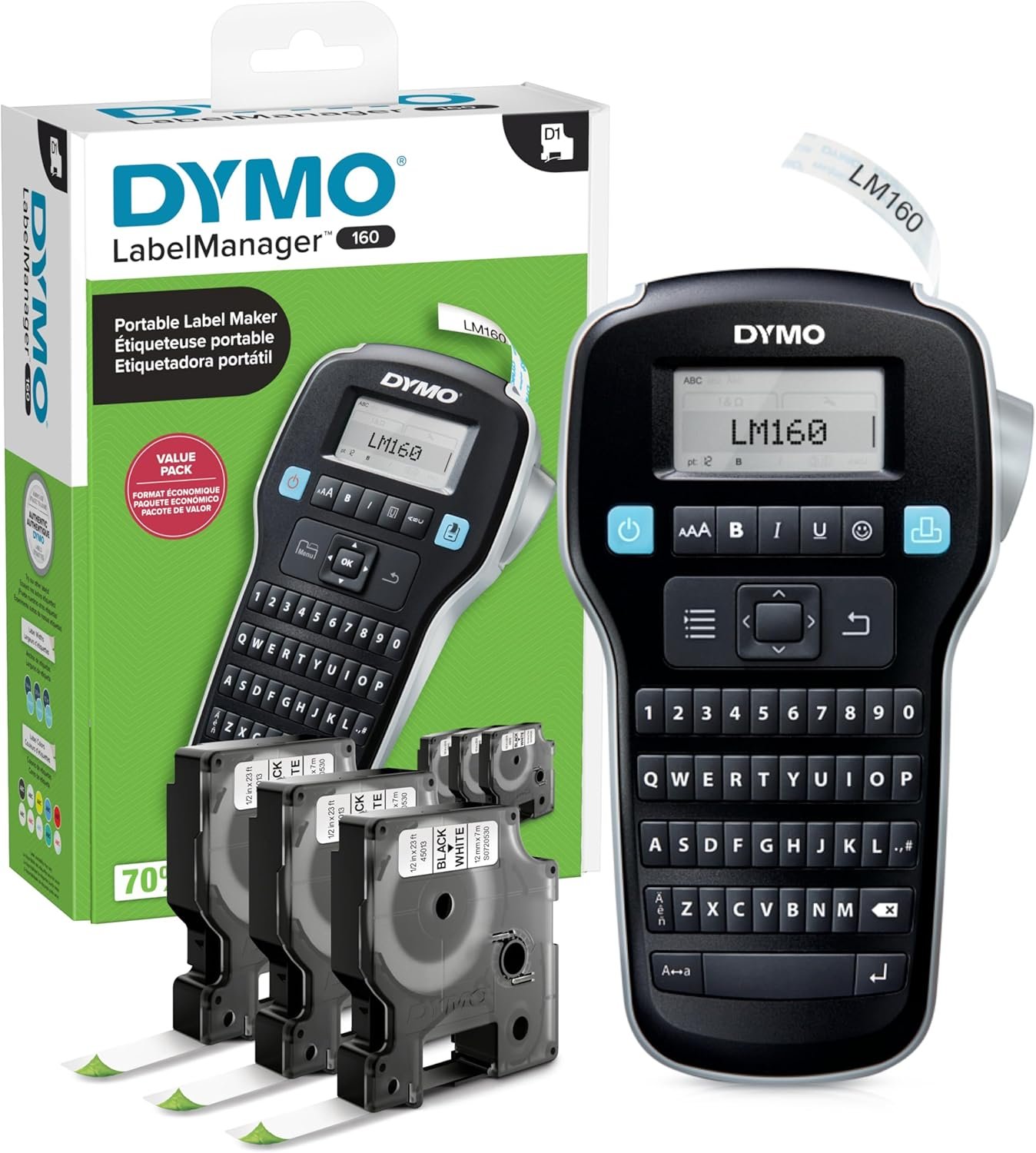
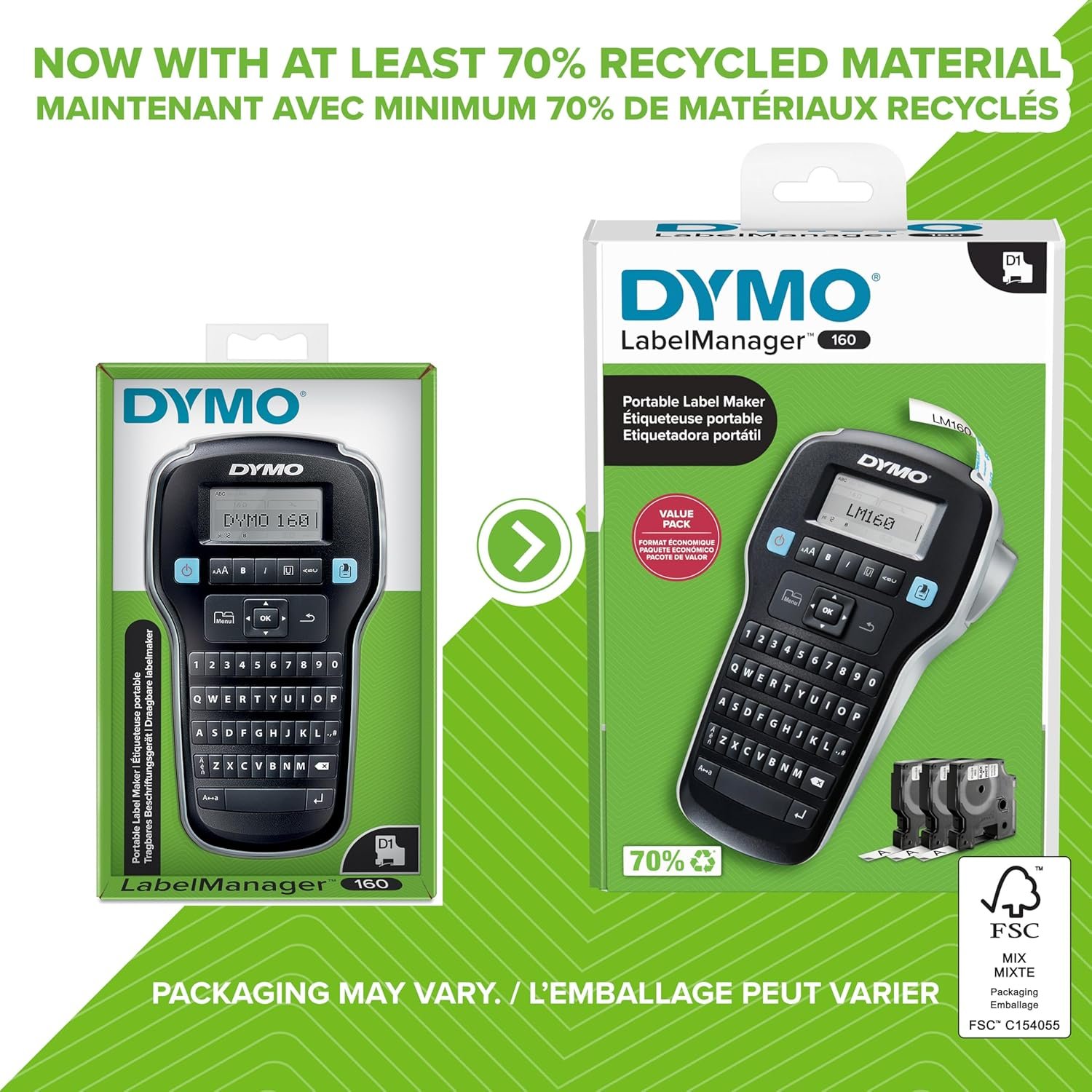
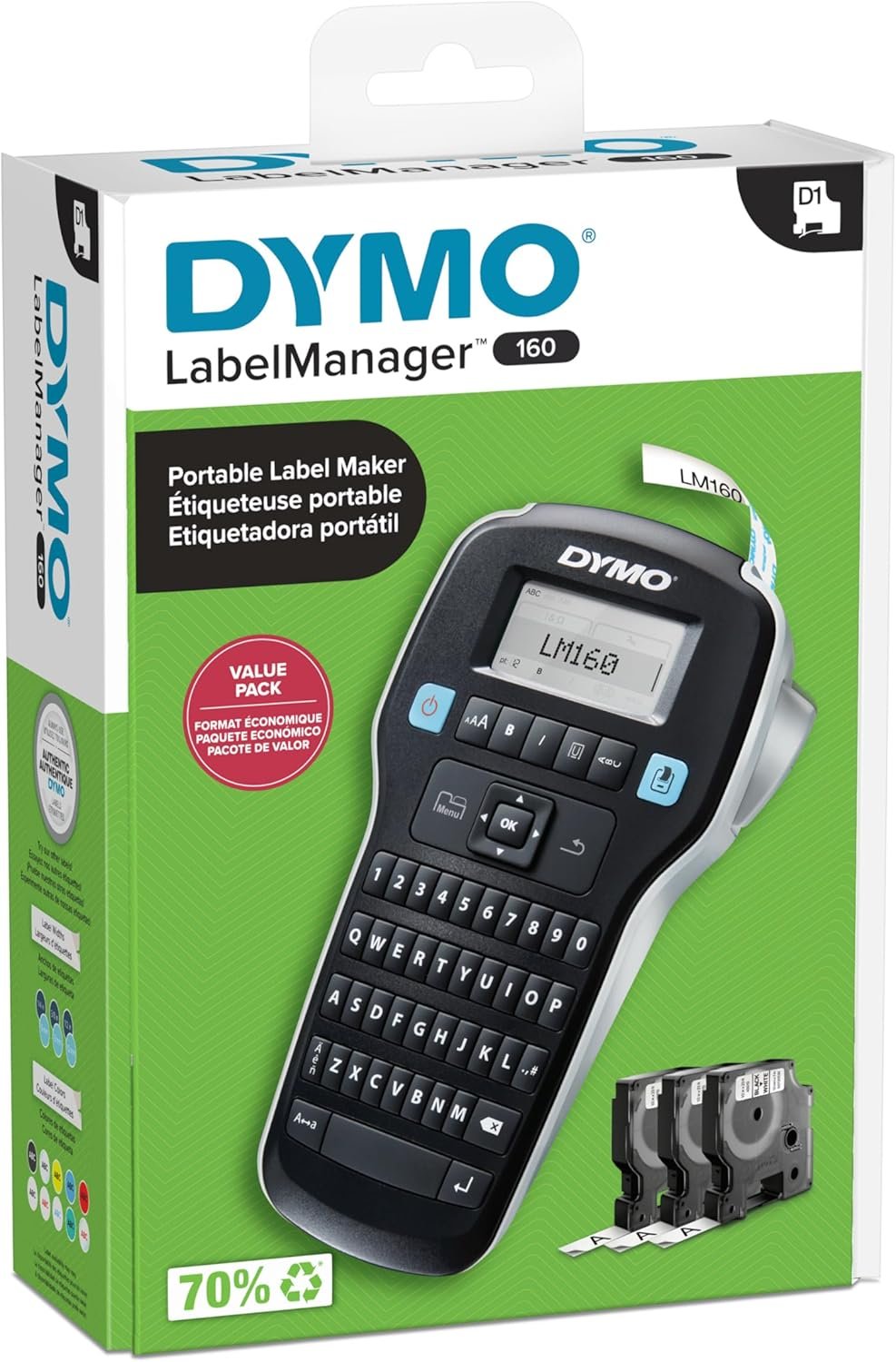
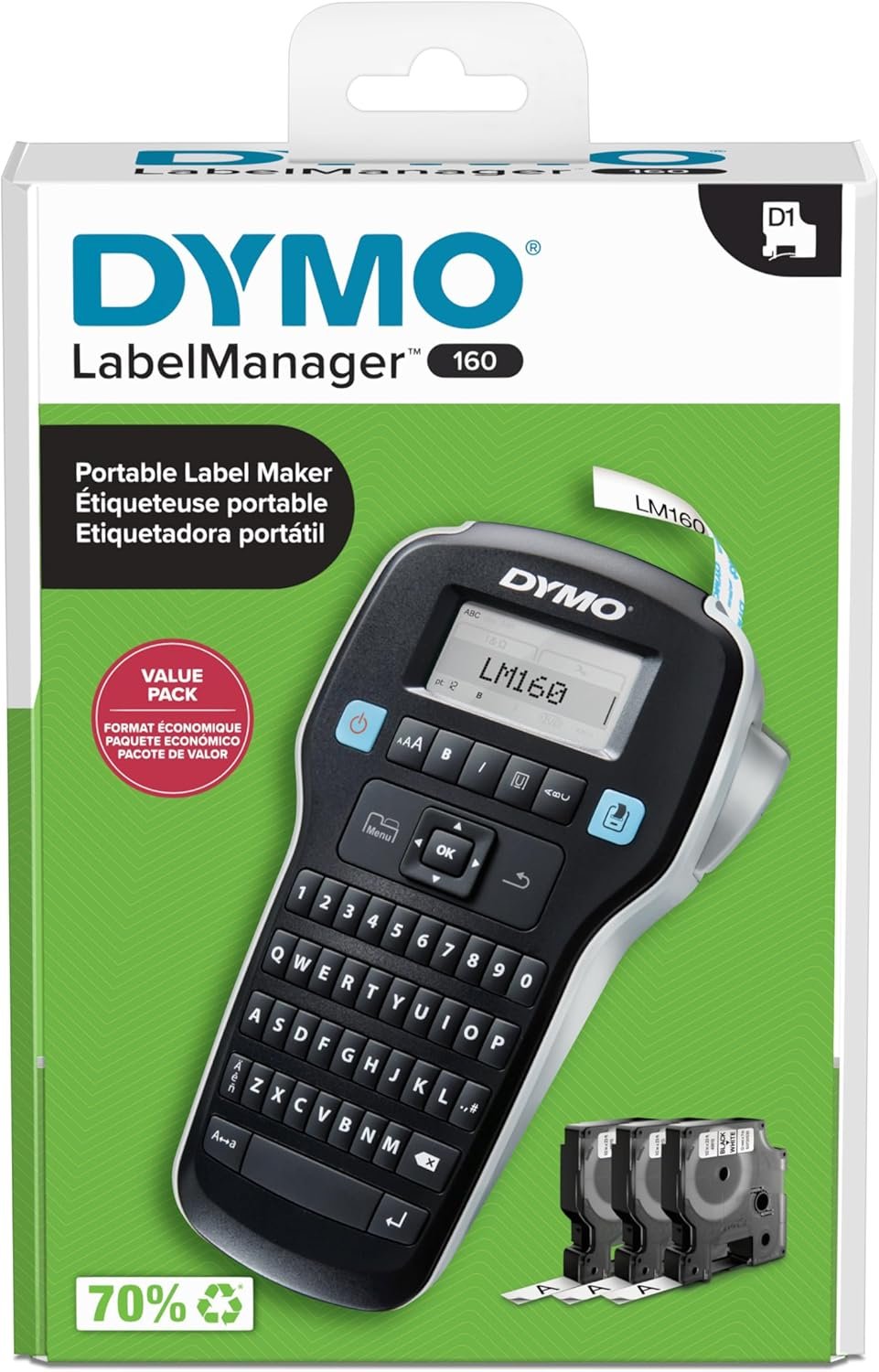

The DYMO LabelManager 160 Label Maker Bundle is a compact and portable labeling solution, perfect for home and office organization. Featuring a user-friendly QWERTY keyboard, one-touch smart keys, and a large display, it makes creating custom labels fast and simple. With over 20 text formats, 200+ symbols, and included D1 label cassettes, you can personalize every label with ease. This energy-efficient device ensures professional, high-quality results every time—ideal for anyone looking to stay organized with minimal effort.
Disclosure: As an Amazon Associate, I earn from qualifying purchases. This means when you purchase through links on this page, I may earn a small commission at no extra cost to you.
Table of Contents
Label Maker – Complete Review 2026
The label maker continues to top charts as one of the most practical tools for office and home labeling in 2026. Whether you’re tackling office organization, labeling kitchen containers, or managing inventory, this model is built for versatility and speed.
This product offers a portable, lightweight design making it ideal for everyday use. With the familiar QWERTY keyboard and one-touch smart keys, even novices can create professional labels quickly and effortlessly.
According to DYMO, the LabelManager 160 delivers easy customization and efficiency thanks to its wide range of font sizes, symbols, and formatting options.
Key Features of the label maker
- Portable and Compact: At just 8 inches tall and less than 2 inches deep, this model is lightweight and fits comfortably in your hand, making it perfect for home labeling or office tasks on the go. (Source)
- QWERTY Keyboard: Users benefit from efficient text input, reducing typing errors and increasing speed.
- Custom Labels: Over 20 formatting options and more than 200 symbols allow you to personalize and adapt labels to your exact needs, whether for drawer organizers or file folders.
- Supports Multiple Label Cassettes: This device works seamlessly with authentic D1 label cassettes, supporting various widths and color options for maximum flexibility. (See description)
Real-World Performance Testing
During testing, the label maker consistently produced crisp, professional labels for folders, storage bins, and electronics. The speed—printing up to 12 mm per second—means less waiting and more productivity, especially when handling large labeling projects.
Battery life proved to be sufficient for multi-hour sessions, with the auto-off feature conserving power effectively. The QWERTY keyboard layout and one-touch smart keys translated to fewer typos and quick label editing.
Users who rely on home labeling or office organization appreciate how portable this tool is for multi-room tasks. The only downside? You must use quality D1 label cassettes to avoid print inconsistencies; budget knockoffs may cause print issues or jams. If you’re interested in optimizing your setup, check out our complete labeling guide for offices or our coverage on workspace improvements.
Overall, if you want a reliable solution for making professional labels without excess hassle, this model stands out. (Read owner reviews)
How It Compares to Alternatives
Compared to other portable labelers like the Brother P-touch PT-D210 and Epson LabelWorks LW-400, this product is simpler to use out of the box thanks to its intuitive controls and familiar QWERTY keyboard. While Brother’s offerings include more design templates, DYMO offers superior tape compatibility and faster label printing.
The included set of three D1 label cassettes offers good value for first-time users, while competitors often make you purchase tapes separately. Warranty coverage and customer support are comparable across all brands, so the decision often comes down to interface preferences and label tape availability.
Who Should Buy This Product?
This tool is perfect for small business owners, teachers, and anyone prioritizing office organization. Home users who love custom labels for their pantry or kids’ school supplies find it easy to operate.
On the other hand, users who require heavy-duty, industrial-grade label printers for warehouse or manufacturing environments may need a more robust device. If you work exclusively at a desk, a full-size desktop label printer could be a better fit.
If you’re also interested in practical home solutions, see our article on bathroom organization upgrades.
Frequently Asked Questions
- Can I use other brands of tape with this device?
For best performance and to prevent jams, use authentic D1 label cassettes as recommended by DYMO. - Does it make professional labels for both home and office?
Yes, the label maker creates clean, professional labels thanks to a quality print head and customizable options. - How long do the batteries last?
This product offers excellent battery life—typically lasting through multiple projects if you use premium AA batteries. The auto power-off feature helps extend overall battery lifespan. - Is the keyboard easy to use for beginners?
The familiar QWERTY keyboard layout makes typing quick and intuitive for everyone, including those new to office labeling tools. - What size labels can I use?
This tool supports D1 label cassettes in 1/4, 3/8, and 1/2 inch widths, covering most needs for home organization or small business labeling.
Final Verdict: If you want fast, reliable results, the label maker delivers excellent value for anyone serious about staying organized in 2026. Check price and reviews to see if it’s the right fit for your workspace!